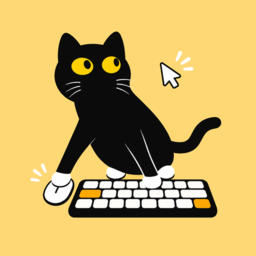
Typing with rhythm
Its paws alternate as you type, and key bubbles pop up near each press. Keyboard sound is optional, with four voices: crisp, thock, typewriter, soft.
Desktop pet · macOS / Windows
A golden-eyed black cat, quiet in the corner
You type, and its paws tap along
You
move the mouse, and its eyes follow
Another app opens the mic, and its ears go up
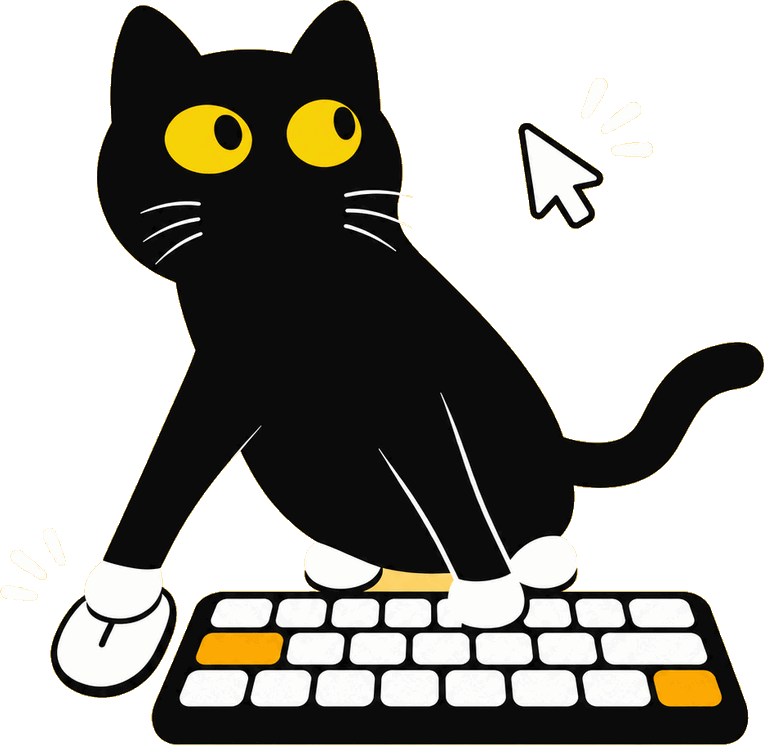
Golden-eyed black cat · Default
How it keeps you company
Every reaction stays small. It does not speak, steal focus, or interrupt.
Its paws alternate as you type, and key bubbles pop up near each press. Keyboard sound is optional, with four voices: crisp, thock, typewriter, soft.
Its eyes follow your pointer while ears and tail answer with small moves. When the pointer rests, it settles back to idle.
When another app opens the microphone, its ears go up. It reads the system's in-use flag only — no audio stream, no recording, no transcription. Off by default.
Rub its head for a purr. Press and hold and it arches its back with a small howl. Each sound has its own switch.
It can also stay on top, click through, scale, and launch at login.
Coats
Same rig, same moves — only the fur changes.
 Black
Default
 White
 Ragdoll
 Orange tabby
 Calico
 Tuxedo
 Siamese
Privacy
It does a few small things. No account, no reading your content. Apart from checking for updates, it sends nothing.
Mic sensing reads an in-use flag, not an audio stream.
Only key positions and pointer location — never a keystroke log.
The pointer is followed in memory and never stored.
No cloud sync or analytics; the update check only asks for a version.
Mic sensing is off by default. Keyboard sound, purr, and howl each have their own menu switch.
Download
The macOS beta is open through TestFlight, limited to 1,000 testers. The Windows beta is still in preparation.
macOS 13.0 or later
Windows 10 / 11
On first launch, macOS asks for Input Monitoring. The cat still shows up without it — it just won't follow your keyboard and mouse. Mic sensing needs no microphone permission.